All components

IS Věda · OBD

Research outputs

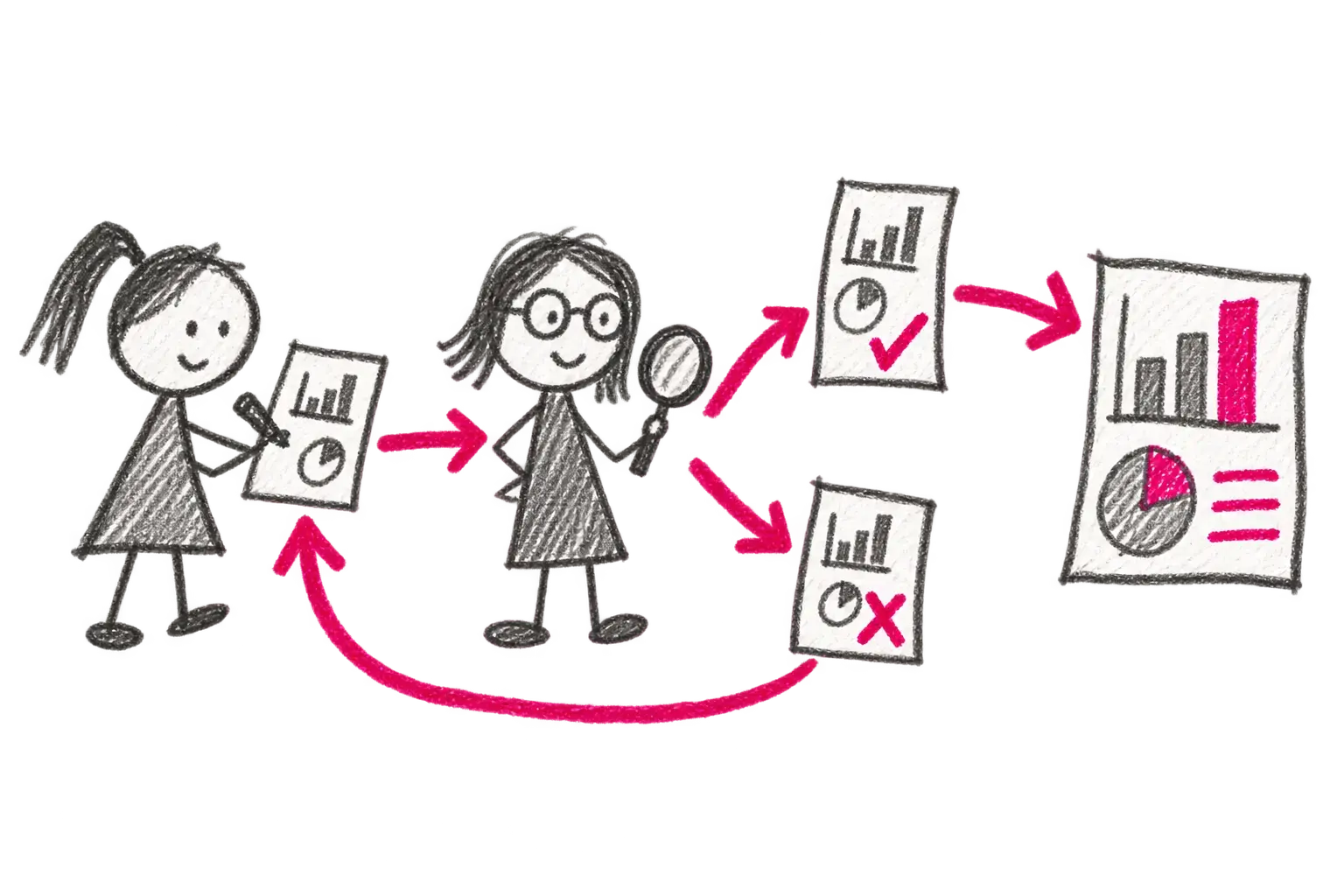
OBD manages the complete lifecycle of a research output. A researcher imports or creates it, the system checks potential duplicates and completeness, administrators validate it, and the institution prepares RIV, repository and internal reporting outputs.

Crayon story for OBD: Research outputs

Directly from the application

Take a look inside.

We use real application screens only. Published captures are cropped or anonymised so they do not contain personal or sensitive operational data.

An anonymised OBD check for matching and pre-imported research outputs
OBD · Submission

Duplicate checks before a record is created

The title, DOI, Web of Science UT and Scopus EID are compared with pre-imported and existing outputs. Researchers can reuse a matching record instead of creating another copy.

Public OBD user manual
An anonymised real OBD output record with author and RIV sections
OBD · Record

Output, authors and RIV data in one detail

The record brings together core metadata, authors and affiliations, funding, classifications, identifiers, attachments and RIV submission status.

Public OBD user manual
A real OBD research-output status workflow
OBD · Workflow

From draft record to publication

A record can be returned to its author, submitted for validation and approved at the levels configured by the institution. Each state controls available actions and responsibility.

IS Věda presentation

From input to outcome

How OBD handles its input.

01

Input

A new or pre-imported research output

Title, output type, year, DOI, Web of Science UT or Scopus EID

Authors, affiliations, funding and attachments

02

Processing

Compares the record with imported and existing outputs

Builds the form and validations for the selected output type

Manages comments, corrections and multi-level approval

03

Output

A validated record with status and history

Submissions and material for RIV or a repository

Filtered views, folders, reports and exports

Capabilities

What OBD provides.

  • 01Full form or a section-by-section wizard
  • 02Duplicate checks using title, DOI, Web of Science UT and Scopus EID
  • 03Output-specific forms, required fields and validations
  • 04Internal and external authors, affiliations and contributor roles
  • 05Multi-level workflow with comments, correction loops and history
  • 06Saved filters, personal folders, bulk operations and exports

Where it is used

Typical scenarios

Taking over a record imported from Web of Science, Scopus or another sourceResearcher submission of a publication or applied resultFaculty and institution-level formal and methodological validationRIV submission, repository export and internal reporting

Who works with it

Roles

Author or record submitterFaculty OBD administratorInstitutional administrator or libraryResearch leadership

Connections

What it connects to

HR and organisational dataWeb of Science, Scopus, PubMed, DOI and ORCID by deploymentEPZ, ISE and institutional repositoriesRIV and other Czech R&D information-system outputs

Related components

Components can run independently or be combined into one solution for a specific workflow.

PreviouseSSL / NSeSSSRecords-management integrationNextEPZProjects and funding calls