IS Věda · Research Information System · Research outputs, projects, transfer and evaluation

IS Věda: research outputs, projects, transfer and evaluation

Research outputs, projects and related agendas for universities and research organisations.

In plain terms

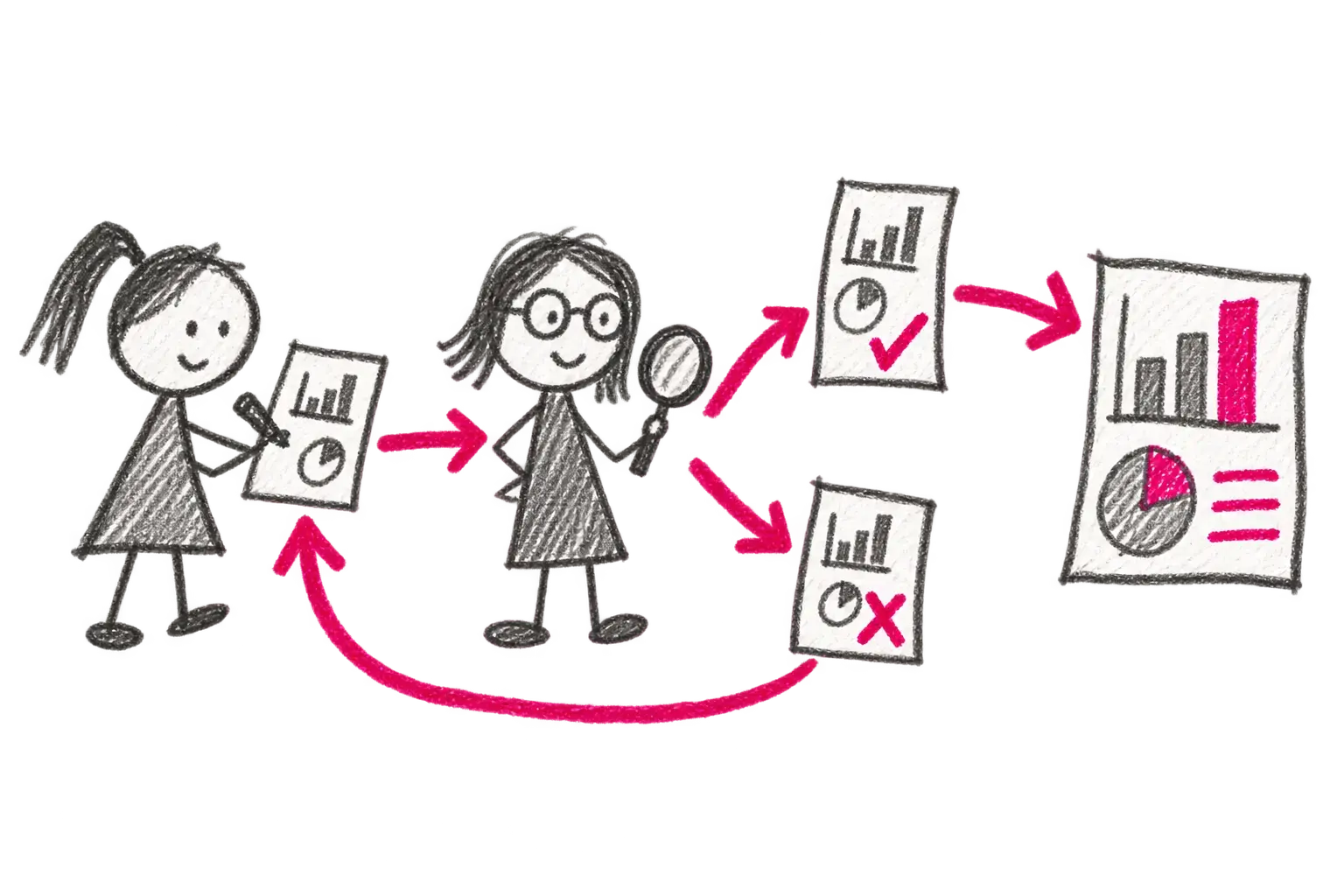
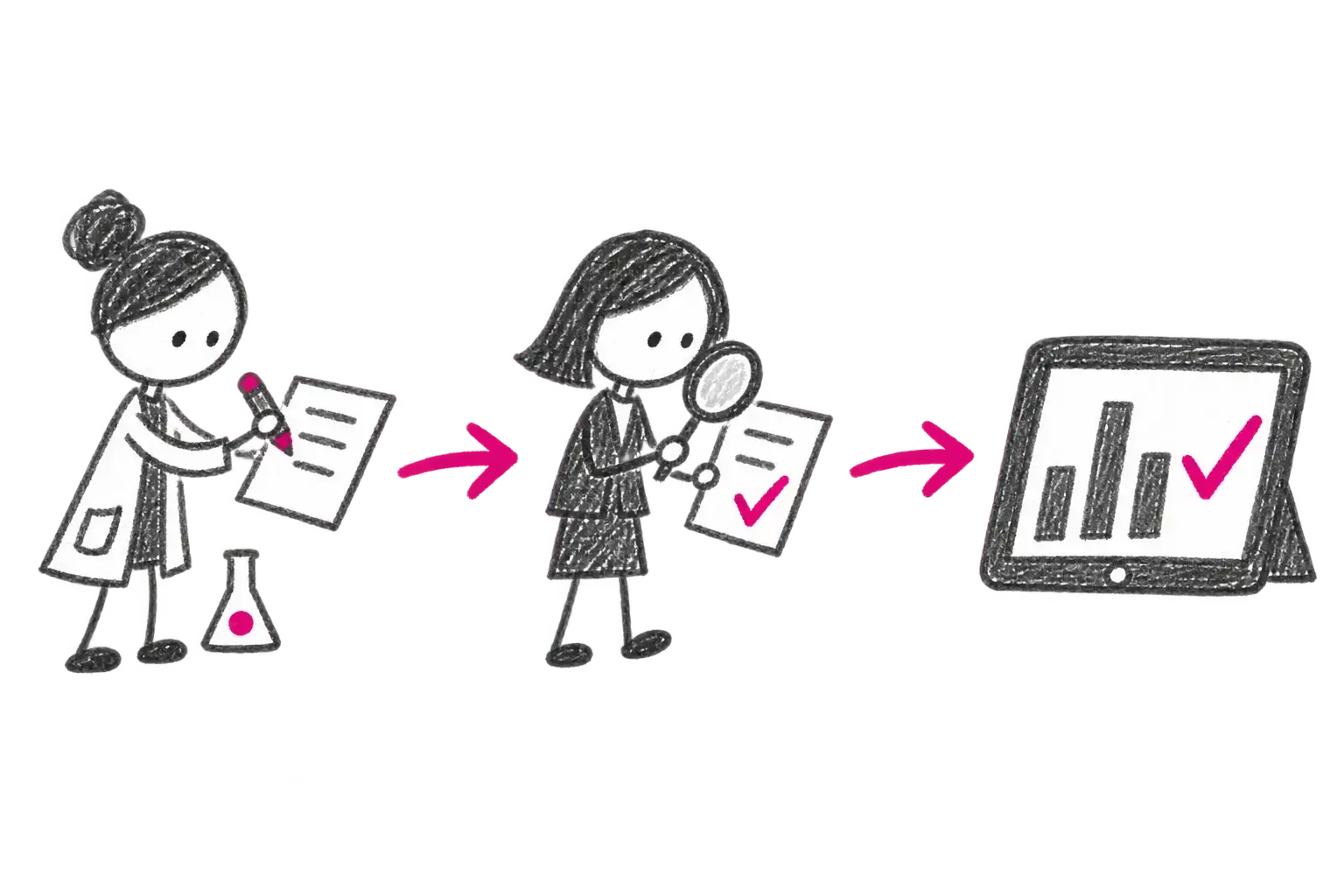
The researcher creates or imports a record → The result continues to reporting, projects, repositories or evaluation

Researchers enter an output once and follow its validation.

Real organisational needs

What organisations needed to solve

These anonymised examples come from concrete project assignments and describe both the need and the approach taken. Where the source was a proposal, this does not mean the complete scope was ultimately deployed.

Research-focused universityAddressed in a project

Research projects, outputs and funding requests without separate spreadsheets

Need
The university needed to manage research projects, record outputs and approve research-funding requests without separate spreadsheets and registers.
Approach taken
The proposal connects research outputs and citations in OBD, projects, teams and budgets in EPZ, and document approvals in OOD. The stored data can be used for reports and submissions to RIV and IS VaVaI.
Connections and related systems
  • RIV / IS VaVaI
  • Web of Science
  • Scopus
  • SSO / LDAP
  • finance and HR systems
Researchers, reviewers and university managementAddressed in a project

Record an output once, check it and use it again

Need
Researchers need to record a publication or other output, reviewers need to check it, and management needs reports without collecting the same data repeatedly.
Approach taken
An OBD record goes through formal and subject-matter checks, can be enriched with citation data and then used for exports or public search of approved outputs.
Connections and related systems
  • RIV
  • Web of Science
  • Scopus
  • public research-output catalogue

Directly from the applications

Take a look inside.

The published captures do not contain personal data.

An anonymised OBD duplicate check for a research output
OBD · Submission

Research-output duplicate check

OBD compares the title and key identifiers with imported and existing records before another output is created.

Public OBD user manual
An anonymised OBD research-output detail
OBD · Detail

Output record with authors and RIV data

One detail connects metadata, authors and affiliations, classifications, identifiers and the RIV submission state.

Public OBD user manual
A real OBD research-output approval workflow
OBD · Workflow

Record validation and approval

The real status map shows return to the author, validation and approval levels before acceptance and publication.

IS Věda presentation
An anonymised overview of active projects and jobs in EPZ
EPZ · Overview

Active projects and jobs

Investigators work with the agenda, number, title, organisational unit and programme in one overview.

An anonymised EPZ overview of investigators, working-time allocation and hours
EPZ · Team

Project team and participation over time

Each investigator can have a participation period, working-time allocation or number of hours, with overlaps across projects visible.

EPZ test-project budget with requested and approved amounts
EPZ · Budget

Project budget

Budget rows show requested and approved amounts together with the project's total cost.

The IS Věda administrator community shares methods and experience

Not only software — people too

VšeVěd and VERSO training keep administrators connected and informed.

Our community sessions cover methodology, release changes and practical experience from OBD, EPZ and other IS Věda administrators. Current dates are published with our events.

Events and training

For whom

Who the solution is for

Universities
Research institutes
Research organisations
Research offices, libraries and technology-transfer teams

What changes

  1. 01 Researchers enter an output once and follow its validation.
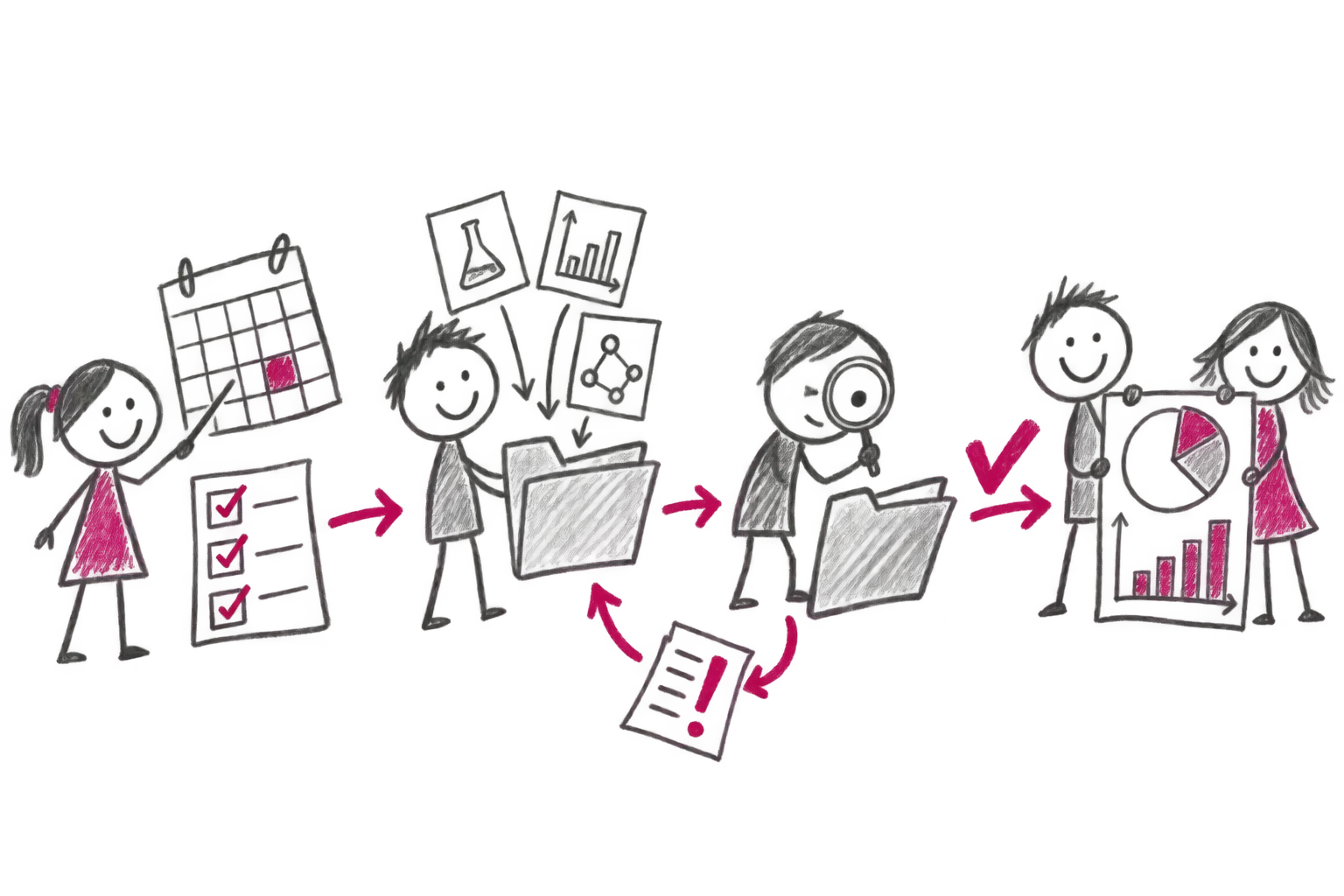
  2. 02 OBD connects outputs, authors, organisations, funding and reporting.
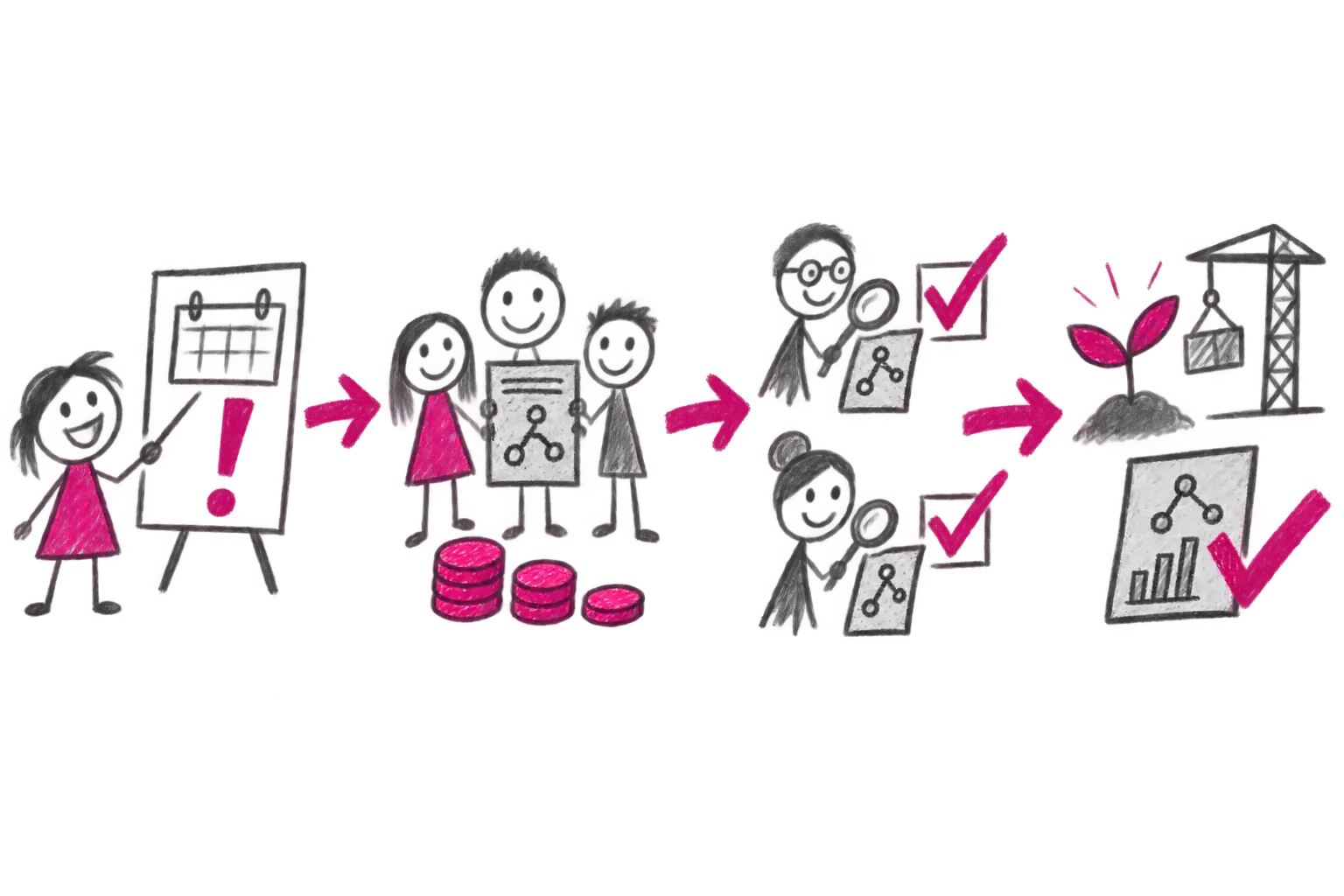
  3. 03 EPZ manages projects from a call and proposal through evaluation and delivery.
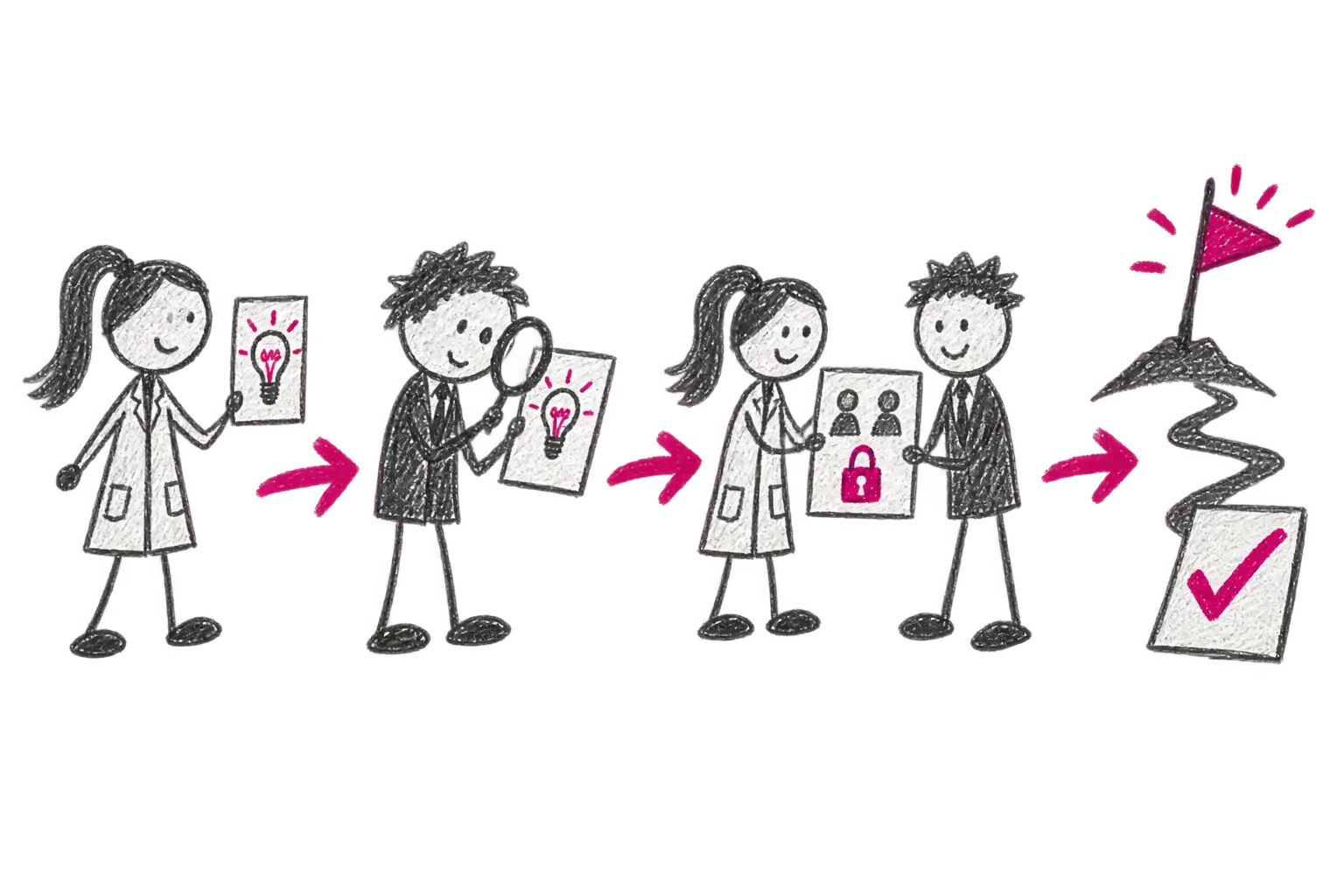
  4. 04 PDV/SDM tracks intellectual-property rights and milestones.

From input to outcome

What happens after the input arrives.

01

New record

A researcher creates a result or project manually or uses a supported import.

02

Data checks

Rules validate required fields, relationships and possible duplicates before submission.

03

Fix or approve

An administrator returns a specific issue with a comment, or approves the checked record.

04

Downstream use

Verified data continues to reporting, RIV, projects, repositories or evaluation as deployed.

User perspectives

Each person sees their work and responsibility.

Researcher

Submits an output, resolves a specific issue and sees its status.

Research information manager

Controls quality, methodology, duplicates and reporting.

Funding and transfer teams

Manage calls, projects, rights and milestones in context.

Research leadership

Uses connected views instead of manually assembled spreadsheets.

Integrations

Connect what you already use.

  • HR and finance systems
  • Research identifiers, sources and registries
  • Repositories and reporting
  • Workflow, document and signature services

Deployment and delivery

Aligned with sensitivity and ownership.

  • Modular OBD, EPZ, PDV/SDM and ISE scope
  • Connection to authoritative organisational data
  • Roles and workflows configured for the institution
  • Methodology and user adoption support

Concise answers

Frequently asked questions

What is IS Věda?

IS Věda is a connected DERS product family for managing research outputs, projects, transfer and evaluation in universities and research organisations.

How do OBD, EPZ, PDV/SDM and ISE differ?

OBD manages research outputs, EPZ projects and calls, PDV/SDM transfer and intellectual-property cases, and ISE evaluation evidence and workflows. Each organisation selects its scope.

Can IS Věda connect to other systems?

Yes. IS Věda connects to HR and finance platforms, research identifiers and sources, repositories and reporting. We select the integrations that match the organisation's work and authoritative data.

Next step

What still moves through email, spreadsheets or office rounds?

Tell us where work slows down or loses visibility. We will tell you whether we have a ready solution and what a sensible first step could look like.

Describe what I need to solveGo to documentation