SIFYBOX · Workflows, documents and approvals

SIFYBOX: approvals, documents and internal control in one managed workflow

A deployable platform for forms, workflow, document generation, budget checks, delegation, signatures and trusted storage.
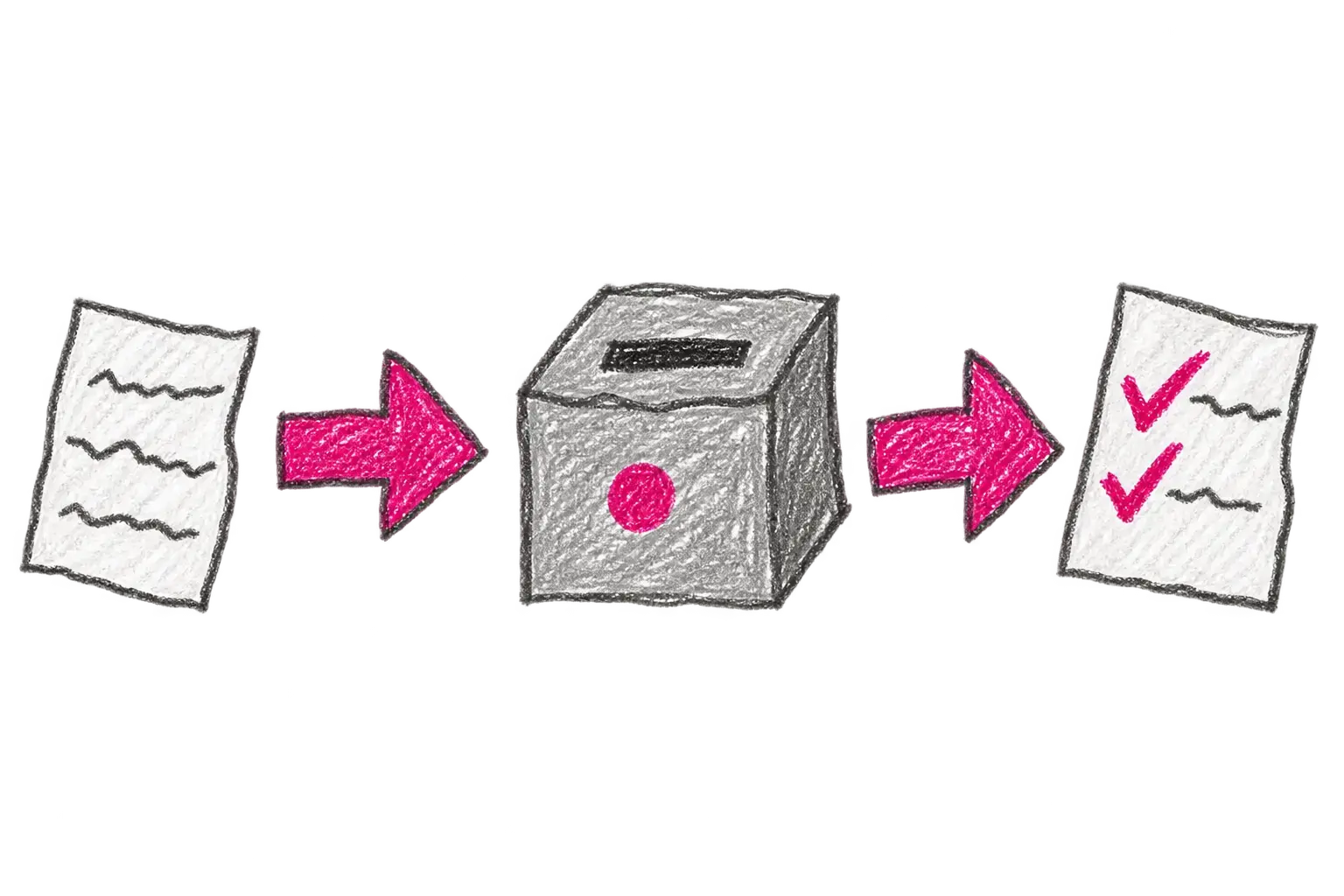
How SIFYBOX connects people, data and systems

Already modelled in OOD

From purchasing to building access.

This selection comes from real process definitions in our application environments. It shows agendas for which we already have experience and a reusable foundation; the exact steps and responsibilities are adapted for each organisation.

Purchasing, orders and invoice cover sheets

Request, budget review, approval, ordering and document hand-off continue in one case.

Contracts and signing

A contract moves through review, approval, signature and registration without searching email for the latest version.

Absence and concurrent employment

An employee submits a notice or request, responsible people assess it and the result remains traceable.

Business travel and vehicles

Travel orders, settlement, private or company vehicles and related records share one workflow.

Projects and final reports

A project form can combine the team, budget, goals, results, evaluation and attachments.

Internationalisation and collaboration

Support requests, partner organisations and supporting records move through defined roles and states.

Transfers and receivables

The request records the funding source, responsibilities, approval and finance-system inputs.

Building and network access

One form can manage building access, network connection, public IP or licence permissions.

Support and counselling centres

A request reaches the right counselling area, worker and appointment with controlled access.

Internal document circulation

The document has defined recipients, step order, acknowledgements, deadlines and hand-off history.

Real organisational needs

What organisations needed to solve

These anonymised examples come from concrete project assignments and describe both the need and the approach taken. Where the source was a proposal, this does not mean the complete scope was ultimately deployed.

University facultyAddressed in a project

One place for forms, approvals and documents

Need
A faculty wanted to move purchase requests, orders, contracts, HR requests and project documents from email into one controlled workflow, adding agendas in stages.
Approach taken
The proposal gives each process its own form and guides applicants and approvers through the required steps. It tracks deadlines and keeps attachments and the decision history. The faculty can add further processes gradually.
Connections and related systems
  • iFIS
  • records management via NSeSSS
  • EPK
  • DOG
  • ZST
Research instituteAddressed in a project

Leave, attendance and project time without three separate records

An anonymised NEP team absence calendar
NEP · team absence calendar
An anonymised DOCH monthly attendance detail
DOCH · monthly attendance
Need
The institute needed to approve absences, close monthly attendance, calculate meal allowance eligibility and allocate worked time across projects and jobs.
Approach taken
The proposal connects absence, attendance and timesheets. Approved absence feeds attendance, worked time is allocated across projects and managers review everything in one place.
Connections and related systems
  • EGJE
  • iFIS
  • HR data
  • projects and assignments
South Moravian Region · eOfficeAddressed in a project

Meeting material from preparation to the regional council

Need
The region needed to take council material through drafting, statements from affected departments, review and submission for discussion. Reviewers also needed to see when another person was already working on the same record.
Approach taken
OOD eOffice keeps the material, attachments, roles, states, tasks and notifications in one managed case. A record can show that somebody else is currently working on it, reducing accidental interference with an ongoing review.
Connections and related systems
  • OOD
  • DOG
  • CUL
  • records management
  • notifications
South Moravian Region · eGrantsAddressed in a project

Grants from application to contract and settlement

Need
The region addressed electronic applications, formal review, decisions, contracts, project changes, financial settlement and bulk outputs for further processing.
Approach taken
eGrants connects the EPZ application with subsequent OOD cases. Stored data feeds contracts and other documents, status moves between steps, and administrators can prepare bulk exports of applications and settlements.
Connections and related systems
  • EPZ
  • OOD
  • DOG
  • CUL
  • records management
  • reporting and exports

Directly from the applications

Take a look inside.

The published captures do not contain personal data.

An anonymised OOD agenda launchpad with icons
OOD

Process agenda launchpad

Vehicle, internationalisation, signing, project, contract and supplier agendas are available in one place.

A real OOD purchase-request form
OOD · Form

Purchase request

The real form keeps supplier, delivery, payment, line items and funding sources together.

A real OOD purchase-request transition definition
OOD · Definition

Purchase-request transitions and responsibilities

The definition shows states, actions and how responsibility for the next step is selected.

Request workflow visualisation in OOD
OOD

A case workflow

A real view of the request states and the paths it can take during approval.

A concurrent-employment notification template preview with placeholders
DOG

A document generated from a template

The notification preview shows data fields, repeating rows and audit information inserted from the case.

An anonymised FS responsibility list and assignment detail
FS

Roles and financial responsibilities

The list and detail show the role, funding combination, limit, priority and assignment validity.

Asset disposal approval tasks in the electronic signing book
EPK

Asset disposal approval

The approver sees the asset type, disposal date, depreciation and available decisions.

Open document and electronic-signature dialog with the signing-device list expanded
WSCS

Selecting an electronic-signature method

With the PDF open, the signer selects a smart card, system key store, .p12 file or a connected remote-signature service.

signer.ders.cz
Show 3 more screens
Absence-request transition configuration
NEP

Absence approval rules

The real transition setup covers approval, rejection, correction and cancellation.

An anonymised list of delegations with roles and status
ZST

Delegation by role and period

Delegation is limited by time and role. When configured, an approved NEP absence can trigger the matching delegation.

EPZ documentation in the support and documentation centre
CPD

Support and documentation centre

Manuals, definitions and release information can be filtered by product and tag.

Workflow foundation and continuity

OOD manages the case. Delegation keeps work moving.

OOD · document workflow and organisation

Turns a form, document or request into a managed case with states, roles, deadlines, attachments, corrections and history.

How OOD works

Delegation and absence · ZST

Delegation is limited by period, person and roles. A colleague receives only the assigned tasks and the decision remains traceable.

How delegation works

Attendance and timesheets

Attendance combines working-time fund, arrivals, departures, travel and absences. Timesheets allocate worked time to projects and jobs.

View the complete area

Additional application areas

The same platform supports other controlled operational work.

Employee portal

One entry point for tasks, requests, announcements and connected systems, configured by role and organisation.

Support and documentation centre

Manuals, release notes, FAQs and support routes organised by type, tags and user permissions.

Student support centres

From intake through specialist counselling to the next appointment. Access to sensitive information follows each worker's role and the organisation's rules.

Internal control

Financial control as part of the everyday workflow.

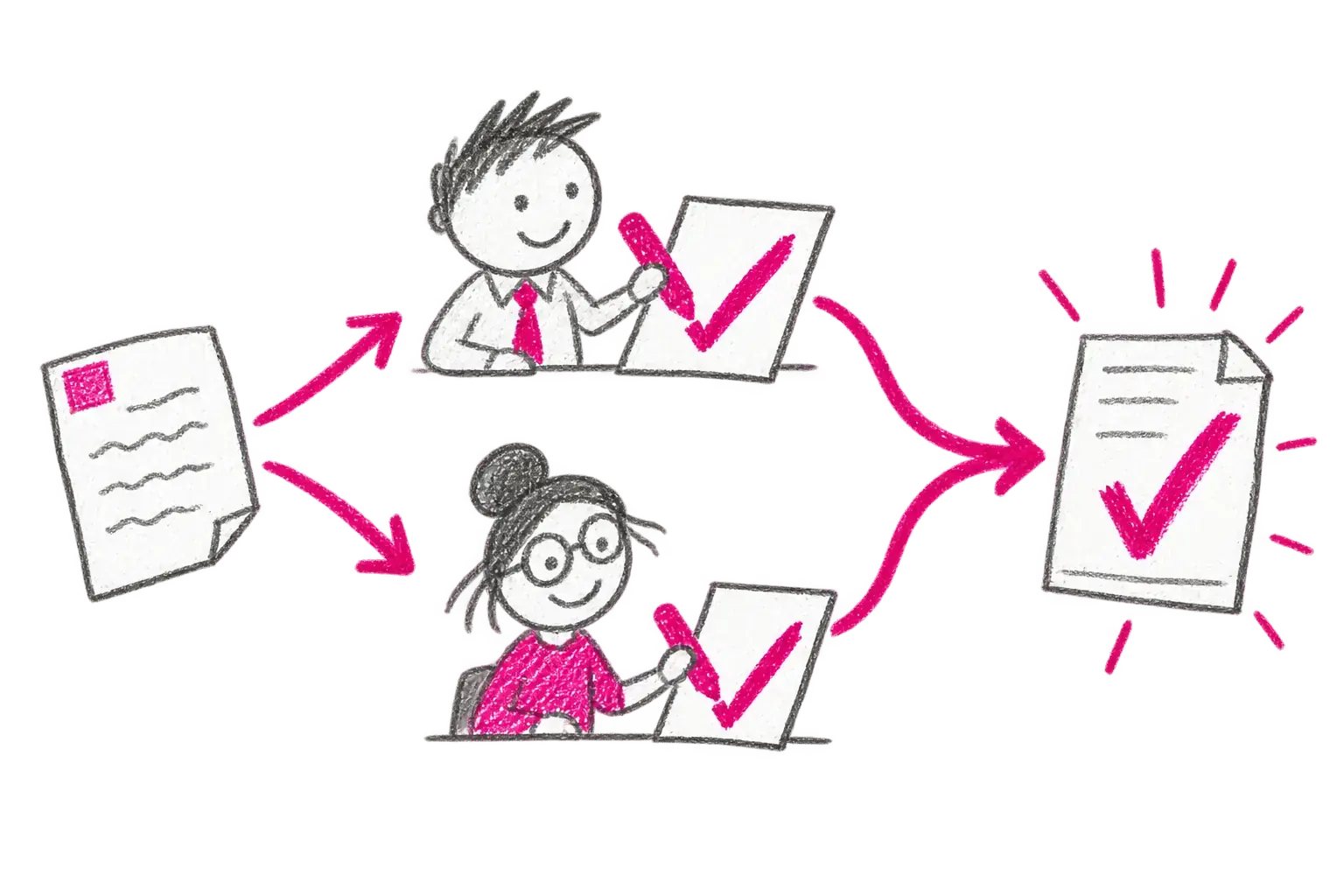
SIFYBOX connects responsible roles, control order, funding, delegation and the audit trail in one managed workflow. The organisation defines its rules and responsibilities; the system helps enforce and evidence them.

The Czech Act on the Management and Control of Public Finances takes effect on 1 January 2027. These functions support a managed workflow and audit trail; they do not by themselves guarantee that a deployment complies with the law. The responsible organisation must confirm its rules.

Czech Act No. 231/2025

How internal control works
The completed document is stored with the process history

An outcome that stays the same

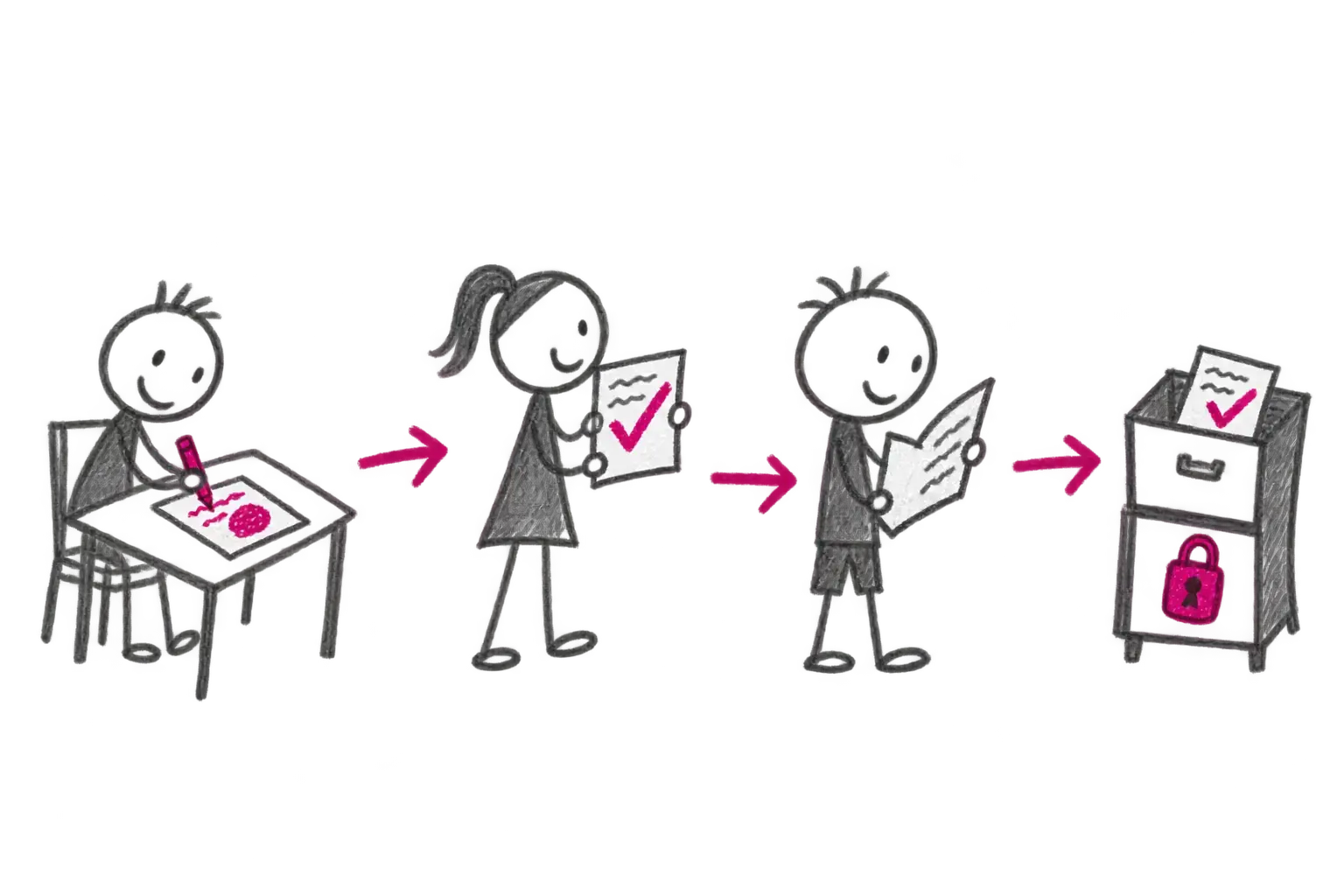
The workflow ends with a document. We put it in the digital filing cabinet.

Just as a completed paper file used to go into a cabinet, SIFYBOX stores the final document in CUL or hands it to records management. Its inputs, decisions, signatures and audit relationship remain traceable.

The outcome does not need to be reconstructed later by the current application version. What was actually approved and issued remains preserved even if rules, print layouts or rounding have changed.

CUL is the operational document layer. Where formal records management applies, the connected certified e-records system remains authoritative.

For whom

Who the solution is for

Medium and large organisations
Universities and research organisations
Public-sector bodies
Organisations connecting several systems and approval roles

What changes

Documents stop moving manually between email, spreadsheets and ERP.

Defined roles, limits, sequence and four-eyes approval are enforced in the workflow.

Operations teams see queues and exceptions; management receives a traceable outcome.

Reusable process building blocks reduce one-off development.

From input to outcome

What happens after the input arrives.

01

Input in one place

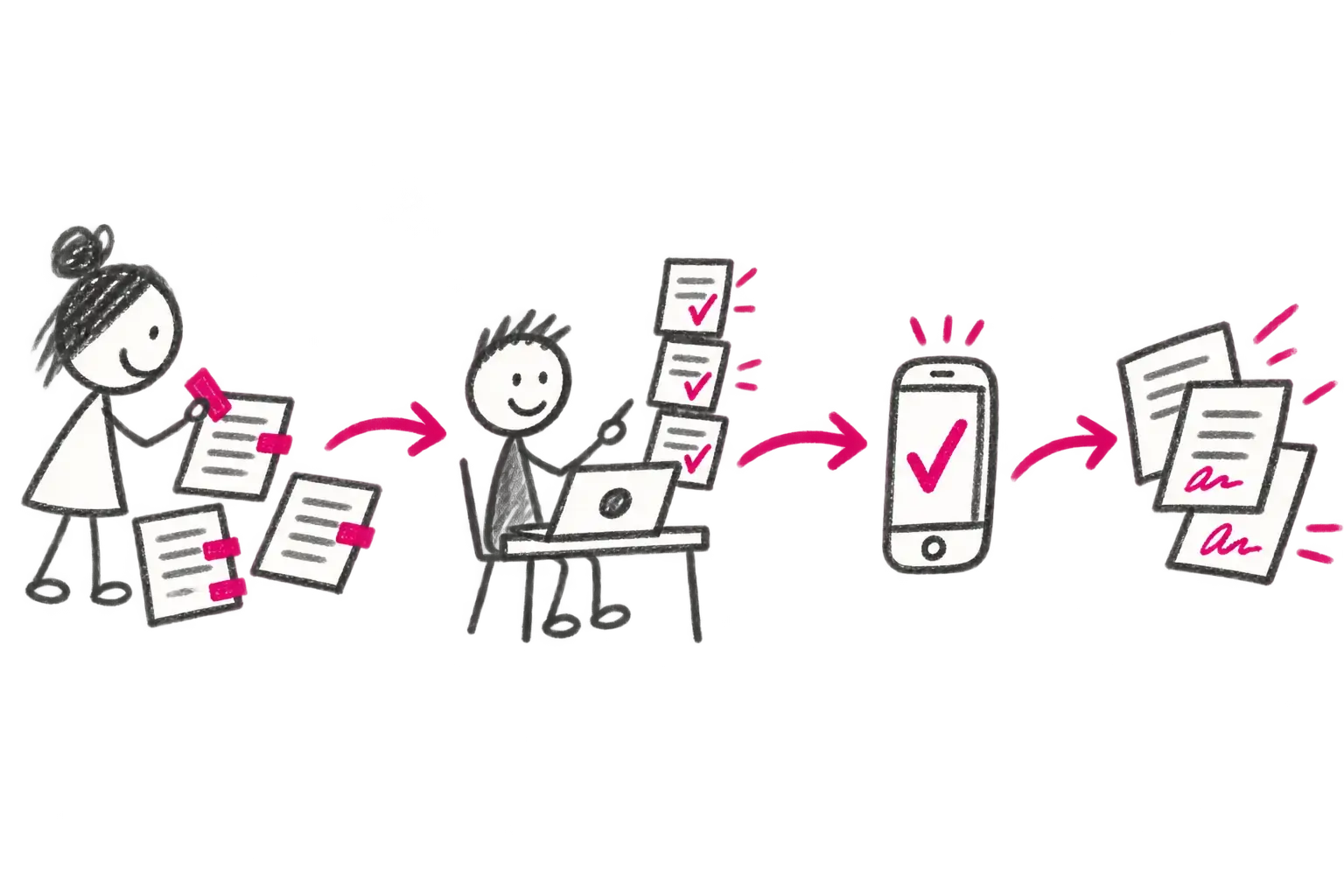
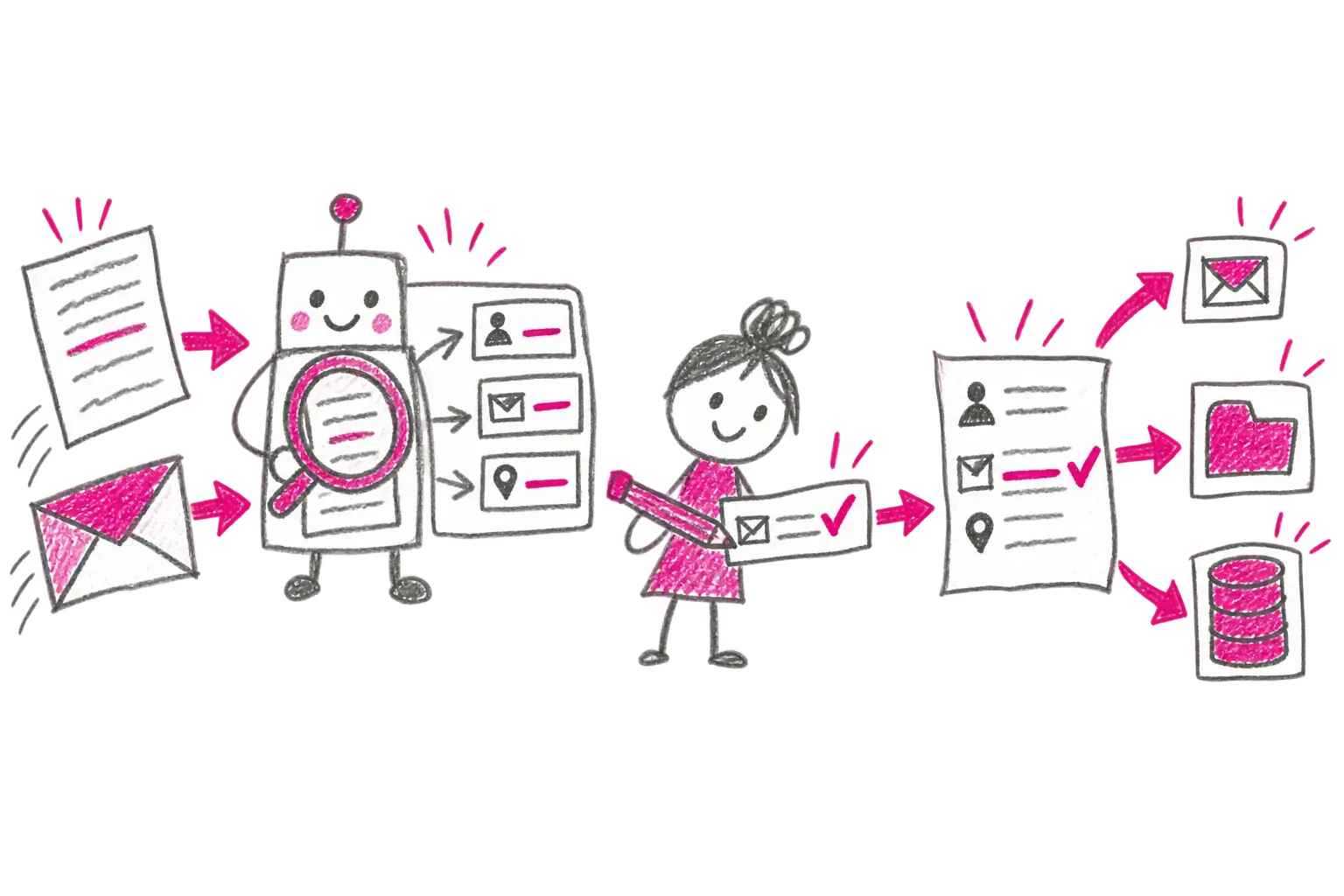
A form, PDF, email or API payload becomes one controlled case.

02

Verified data

The system prepares the data and a person resolves only uncertain or invalid values.

03

Controlled decision

The workflow applies funding, delegation and independent approvals under organisational rules.

04

Outcome where it belongs

The document is signed and stored, then handed to accounting, finance or records management.

User perspectives

Each person sees their work and responsibility.

Operations specialist

Reviews intake, resolves exceptions and knows where each case is.

Approver

Sees supporting data, budgets and prior decisions; can approve, return or reject.

Accountant

Receives controlled data and documents ready for the finance system without rekeying.

Executive and assurance

Gets evidence of decisions, segregation of duties and exceptions.

Integrations

Connect what you already use.

  • ERP and finance platforms through versioned interfaces
  • Identity through Keycloak, OIDC, SAML or the customer provider
  • Electronic records-management integration
  • HR, research, registry and specialist APIs

Deployment and delivery

Aligned with sensitivity and ownership.

  • On premises — sensitive data remains inside the organisation
  • Cloud — managed operation based on the agreed architecture
  • Hybrid — local data combined with selected cloud services
  • Delivered by DERS or an implementation partner

Concise answers

Frequently asked questions

What is SIFYBOX?

SIFYBOX is the DERS platform for forms, controlled workflows, documents, checks, delegation, approvals, signatures and hand-off to connected systems.

Does SIFYBOX replace finance or records-management systems?

No. SIFYBOX controls the workflow and prepares a traceable outcome. Accounting remains in the finance system and records can be handed to the connected authoritative records-management system through NSeSSS.

Which processes can SIFYBOX support?

Typical scenarios include incoming invoices, internal control, contracts, electronic signing, travel requests, absence, attendance, delegation, timesheets, controlled documentation and document intake with human-reviewed data capture.

What is OOD?

OOD is the workflow foundation of SIFYBOX. It turns a form, document or request into a managed case with roles, states, deadlines, attachments and a traceable history.

How do absence, attendance, delegation and timesheets connect?

Absences and business travel feed attendance, delegation assigns selected roles while somebody is away, and timesheets allocate worked time across projects and jobs. Managers review the shared context.

Next step

What still moves through email, spreadsheets or office rounds?

Tell us where work slows down or loses visibility. We will tell you whether we have a ready solution and what a sensible first step could look like.

Describe what I need to solveGo to documentation